
Enterprise Class Oracle Database Environment Manager
Build from UNIX, Linux or Windows into Oracle databases running in UNIX, Linux or Windows, it doesn't matter! Our Database Environment Manager (DEM) delivers control of your environments to developers and testers, managers and DBAs - without relinquishing the powerful privileges required to drop and re-create these environments. Schemation uses a proxy-permissional model, that acts on behalf of the DBA, to perform all the 'dangerous' operations required to clear down and then set up new environments. Schemation will only work within the boundaries defining the environments it controls.
Controller-Based
With the Schemation DEM, environments are assigned controllers. These are individuals who have the rights and capabilities to completely re-build environments from two possible sources. Directly from source files stored on their operating system of choice (UNIX/Linux or Windows), or from 'Repositories'. These are referred to as Custom Builds and Repository Based Builds respectively.
Custom Builds
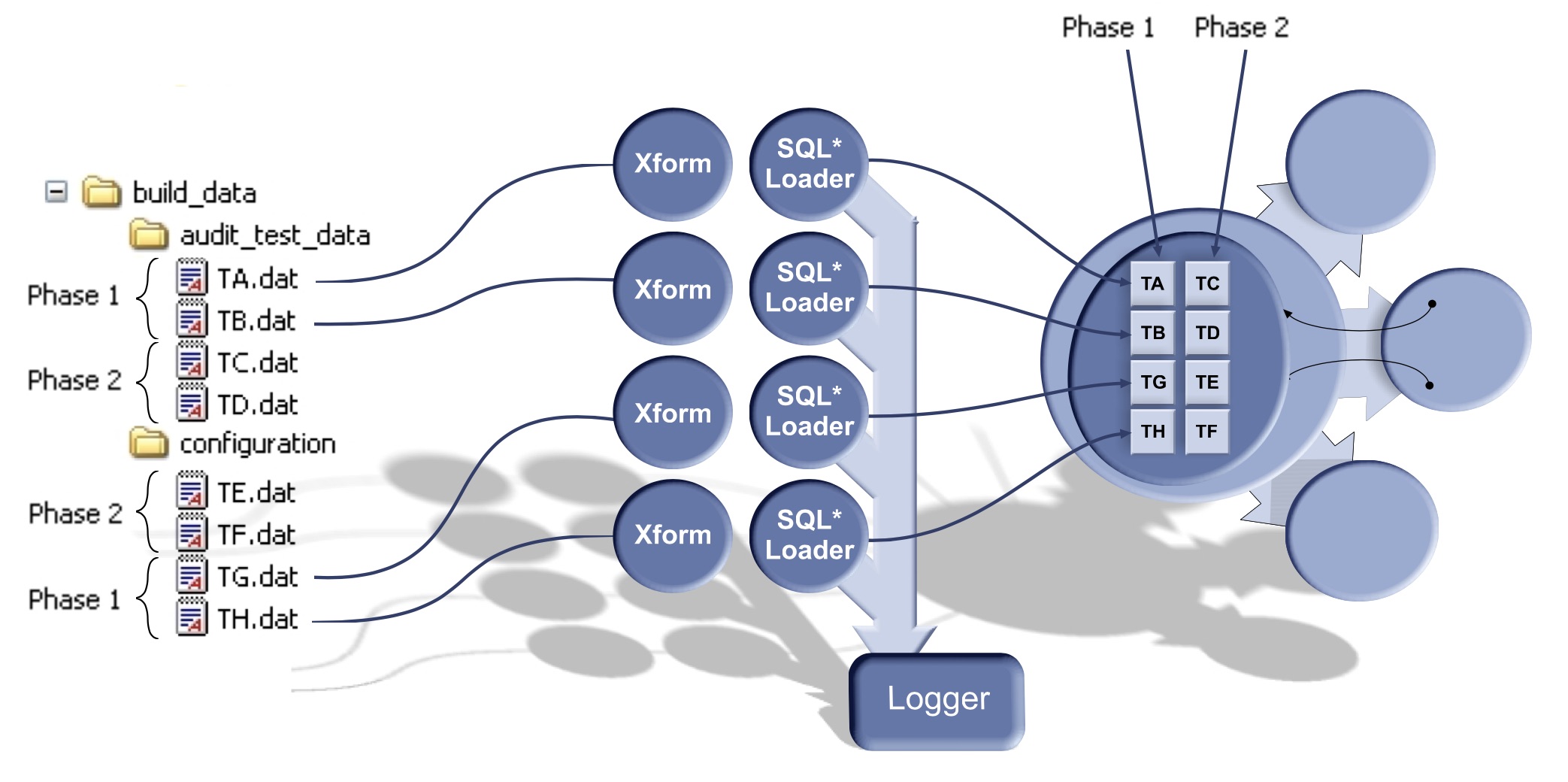
Custom Builds always build from source files held on the filesystem, and allow the controller to specify all details of the database environment required (through the contents of the source files). The controller will have full power to define new database objects, new data etc. Schemation is then used to execute this build and to report on every step involved, performing all DBA related activities to clear-down and then re-build the target environment.
Repository Based Builds
Repository Based Builds offer truly exceptional flexibility to your development, test and maintenance teams. They strengthen productivity by giving environment controllers the ability to select the contents of their environments from pre-constructed environments - Repositories. The Schemation DEM, additionally holds the Repository definition in its own internal database, recording the origins of all the modularised components and data. Users may then choose which modules to include in their environments by defining their Build Plans, then re-building, by clicking the re-build button on a DEM web-page.
This very powerful feature, enables modular development of database code and data. The 'Build Plan' approach to environment building will greatly improve the way in which your teams can operate. Testers, for example may choose to build their test environment with the data module called '10,000 test cases' , a DBA may choose to build a data-warehouse environment with the code module 'full partitioning clauses' included. All modules are user defined.